
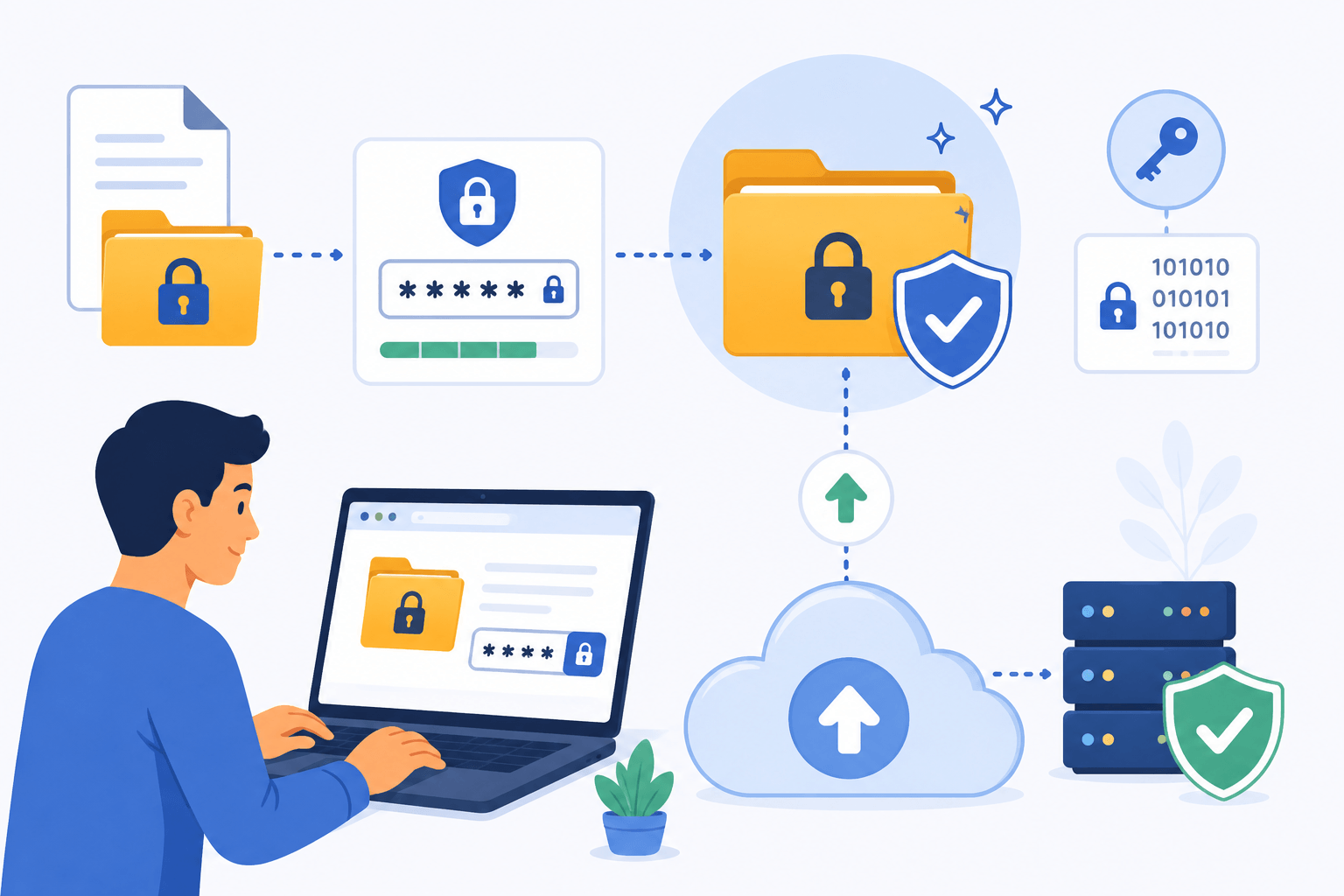
Cloud storage and file-sharing services make it easy to upload and access files from anywhere. However, once a file leaves your device and moves online, protecting sensitive information becomes even more important.
One of the simplest ways to improve file security is to password protect files before uploading them. This adds an extra layer of protection, ensuring that even if someone gains access to the file, they cannot open it without the correct password.
This guide explains why password protection matters, the different ways to secure files, and the best practices for protecting important documents before uploading them.
Why Password Protect Files Before Uploading?
Many cloud storage providers already use encryption and security features, but password protection provides additional protection at the file level.
This means your file remains protected even if:
- A sharing link is exposed
- Someone gains unauthorized account access
- A file is downloaded accidentally
- Permissions are configured incorrectly
Password protection is especially useful for files containing:
- Financial information
- Contracts
- Legal documents
- Personal records
- Business data
- Confidential reports
Adding a password takes only a few minutes and can significantly reduce security risks.
Password Protecting PDF Files
PDF documents often contain important information and are commonly shared online.
Many PDF editing tools allow users to add password protection directly to the file.
Typical steps include:
- Open the PDF in a PDF editor.
- Select the security or protection settings.
- Choose password protection.
- Create a strong password.
- Save the protected document.
After protection is enabled, anyone opening the file must enter the password before viewing its contents.
PDF password protection is useful for contracts, invoices, reports, and personal documents.
Using ZIP Files with Password Protection
One of the most widely supported methods for securing files is creating a password-protected ZIP archive.
ZIP archives can contain:
- Documents
- Images
- Videos
- Folders
- Multiple file types
Benefits of password-protected ZIP files include:
- Easy sharing
- Broad compatibility
- Simple file organization
- Additional privacy protection
Most archive software allows users to create encrypted ZIP files by selecting a password during the compression process.
This method is particularly useful when uploading multiple files at once.
Encrypting Files Before Uploading
Password protection and encryption are closely related, but encryption generally provides stronger protection.
Encryption transforms file contents into unreadable data unless the correct key or password is provided.
Many file encryption tools support:
- Individual file encryption
- Folder encryption
- Full archive encryption
Encryption is often recommended for:
- Business documents
- Sensitive personal information
- Client records
- Legal files
For users handling confidential information regularly, encryption provides a higher level of protection than simple password locking.
Creating Strong Passwords
The strength of your protection depends heavily on the quality of your password.
Weak passwords can often be guessed or cracked quickly.
A strong password should:
- Be at least 12 characters long
- Include uppercase and lowercase letters
- Contain numbers
- Include special characters
- Avoid dictionary words
- Be unique
Examples of weak passwords:
- password123
- admin2025
- qwerty
Examples of stronger passwords:
- M7#Cloud!Protect92
- File$Secure_2026!X
Using a password manager can help generate and store strong passwords securely.
How to Share Password-Protected Files Safely
Protecting the file is only part of the process.
The password itself must also be shared securely.
Avoid sending both the file and the password through the same communication channel.
For example:
❌ Email file and password together
A safer approach:
✅ Email the file
✅ Send the password through a messaging app or phone call
Separating the file and password reduces the risk of unauthorized access.
For highly sensitive files, consider using temporary passwords that can be changed after delivery.
Common Mistakes to Avoid
Many users accidentally weaken their own security by making simple mistakes.
Common examples include:
- Using weak passwords
- Reusing passwords across multiple files
- Sharing passwords publicly
- Storing passwords in plain text
- Forgetting backup copies of encrypted files
Another common mistake is forgetting the password entirely.
If a password-protected file is encrypted and no recovery method exists, access may be permanently lost.
Always store important passwords securely.
Password Protection vs Cloud Storage Security
Some users assume password protection is unnecessary because cloud providers already offer security features.
Cloud storage security protects:
- Accounts
- Servers
- Data transfers
Password protection protects:
- The file itself
These protections work together rather than replacing one another.
Think of cloud security as protecting the building and password protection as locking the safe inside the building.
Using both creates multiple layers of defense.
When Should You Password Protect Files?
Not every file requires password protection.
It is most useful when files contain:
- Personal information
- Financial data
- Client information
- Confidential business materials
- Legal records
- Sensitive communications
For everyday public files, password protection may add unnecessary complexity.
For important documents, however, the extra protection is usually worth the effort.
Conclusion
Password protecting files before uploading them is one of the easiest ways to improve data security. Whether you use PDF protection, encrypted ZIP archives, or dedicated encryption tools, adding a password helps prevent unauthorized access even if a file is shared accidentally or downloaded by the wrong person.
Combined with strong passwords, secure sharing practices, and reputable cloud storage services, password protection creates an additional security layer that helps keep sensitive information safe. Taking a few minutes to secure important files before uploading can prevent much larger problems later.