
Sharing large files has become a common part of work, education, and personal communication. High-resolution photos, 4K videos, project archives, design files, software packages, and business documents often exceed the attachment limits of email services.
Fortunately, there are many free ways to share large files without sacrificing quality or paying for expensive storage plans. The best solution depends on your file size, security requirements, and how long the file needs to remain available.
This guide explores the best methods for sharing large files for free in 2025 and explains the advantages and limitations of each approach.
Why Email Attachments Often Fail
Many people still attempt to share large files through email.
The problem is that most email providers impose attachment size limits, typically between 20 MB and 25 MB. Even a short smartphone video can exceed these limits.
Common issues include:
- Attachment size restrictions
- Slow sending times
- Inbox storage limitations
- Reduced file quality
- Failed deliveries
Because of these limitations, alternative file-sharing methods are usually more effective for larger files.
For anything larger than a few megabytes, dedicated file-sharing solutions provide a better experience.
Cloud Storage Services
Cloud storage remains one of the most popular ways to share large files.
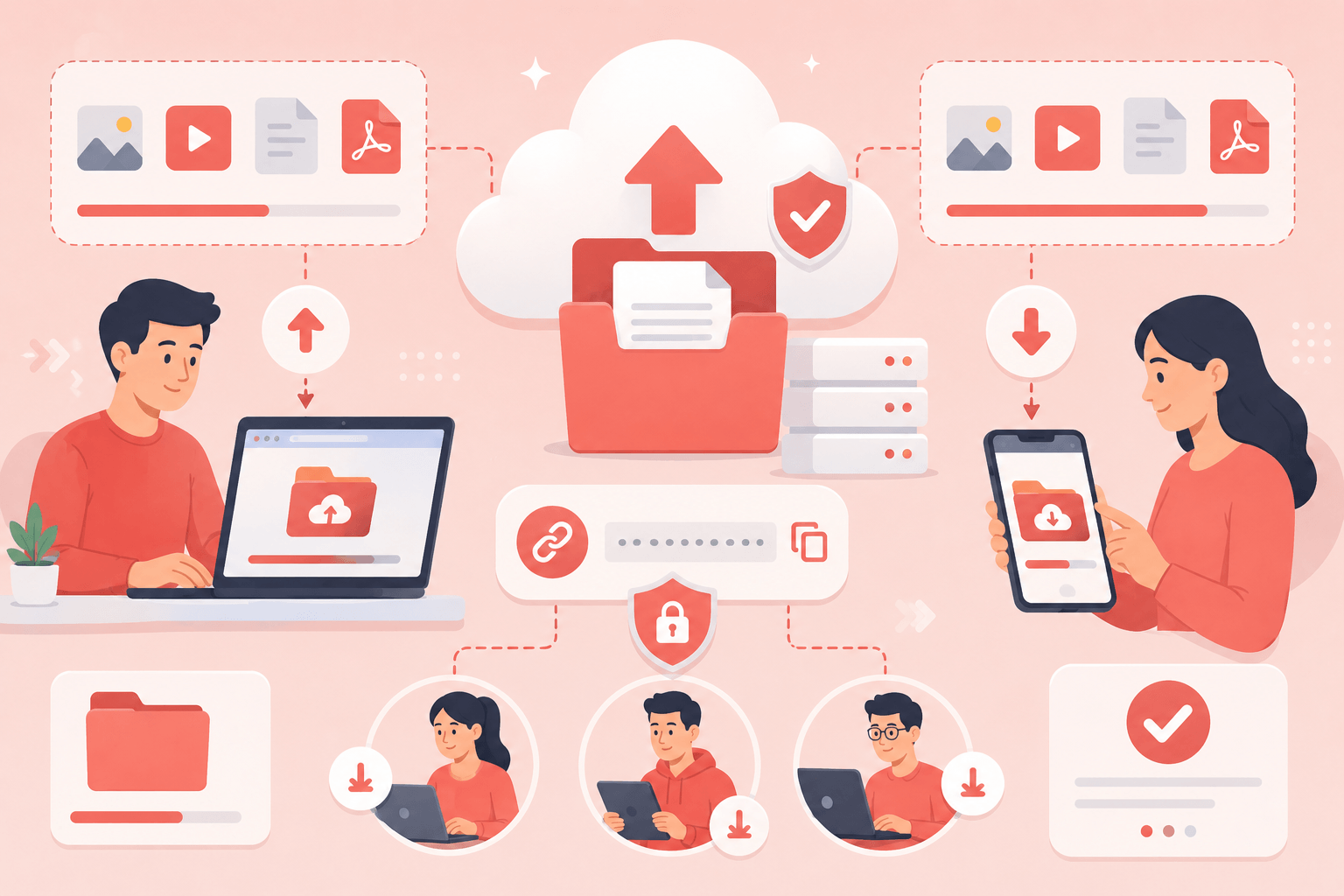
Users upload files to cloud storage and generate a shareable link that can be sent to recipients.
Benefits include:
- Easy access from multiple devices
- Large storage capacity
- Simple sharing controls
- Automatic synchronization
- Long-term file availability
Popular cloud storage platforms often allow users to control permissions, making it possible to limit who can view or edit files.
Cloud storage works especially well when files need to remain accessible for extended periods.
Examples of files commonly shared through cloud storage include:
- Business documents
- School assignments
- Presentations
- Photo collections
- Video projects
Dedicated File Transfer Services
Dedicated file transfer services are designed specifically for sending files rather than storing them long term.
These services typically work by:
- Uploading a file.
- Generating a download link.
- Sharing the link with recipients.
Advantages include:
- No account required in many cases
- Fast uploads
- Large file support
- Temporary storage
- Simple user experience
File transfer services are often the best option when you need to send a file once and don’t require permanent storage.
Many creators, freelancers, and businesses use these services for client deliveries and project handoffs.
Compress Files Before Sharing
Compression can reduce file size and simplify sharing.
ZIP archives are particularly useful when:
- Sharing multiple files
- Sending folders
- Organizing project assets
- Protecting files with passwords
Benefits include:
- Smaller upload sizes
- Faster transfers
- Easier organization
- Optional encryption
Compression works best for documents and certain file types. Videos and already-compressed media may not shrink significantly because they are already optimized.
Still, creating a ZIP archive often makes file sharing more convenient.
Use Shareable Links Instead of Attachments
Modern file-sharing platforms typically generate links rather than sending files directly.
Advantages of sharing links include:
- No attachment size limits
- Easier updates
- Better tracking
- Reduced email storage usage
- Faster sharing
Instead of sending a 2 GB file through email, you simply send a small link that points to the uploaded content.
Recipients can download the file whenever they are ready.
This approach has become the standard method for sharing large files online.
Protect Shared Files with Security Features
When sharing large files, security should not be overlooked.
Many services offer features such as:
- Password-protected links
- Download limits
- Expiration dates
- Access permissions
- Encryption
These controls help prevent unauthorized access.
For business documents or sensitive personal files, password protection and expiration dates are highly recommended.
A secure sharing process is just as important as a fast one.
Consider File Size Before Choosing a Method
Different sharing methods work better for different file sizes.
Small files under 25 MB may still work well as email attachments.
Medium-sized files between 25 MB and several hundred megabytes are usually best shared through cloud storage links.
Large files exceeding 1 GB often benefit from dedicated transfer services or cloud platforms designed for large uploads.
Understanding file size helps you choose the most efficient sharing method from the start.
Common Mistakes When Sharing Large Files
Many file-sharing problems can be avoided by recognizing a few common mistakes.
Examples include:
- Using email for very large files
- Uploading without checking size limits
- Sharing public links unintentionally
- Forgetting passwords for protected files
- Using unstable internet connections
- Failing to verify successful uploads
Taking a few minutes to prepare files properly can prevent failed transfers and frustrated recipients.
A reliable file-sharing process saves time for everyone involved.
Which Free Sharing Method Is Best?
The best option depends on your needs.
Choose cloud storage if:
- You need long-term access.
- Multiple people require access.
- Collaboration is important.
Choose dedicated transfer services if:
- You need one-time file delivery.
- Files are very large.
- Simplicity is the priority.
Choose ZIP archives if:
- You need password protection.
- Multiple files must be grouped together.
- File organization is important.
Many users combine these methods to create a more efficient workflow.
Conclusion
Sharing large files no longer requires expensive software or complicated technical setups. Modern cloud storage services, file transfer platforms, and secure sharing tools make it easy to send large files quickly and safely.
The best approach depends on the file size, intended recipients, and how long access is needed. By choosing the right sharing method, compressing files when appropriate, and using security features such as password protection, you can transfer large files efficiently while maintaining quality and control.
Whether you’re sharing project files, videos, presentations, or personal documents, today’s free file-sharing solutions make large file transfers easier than ever before.