
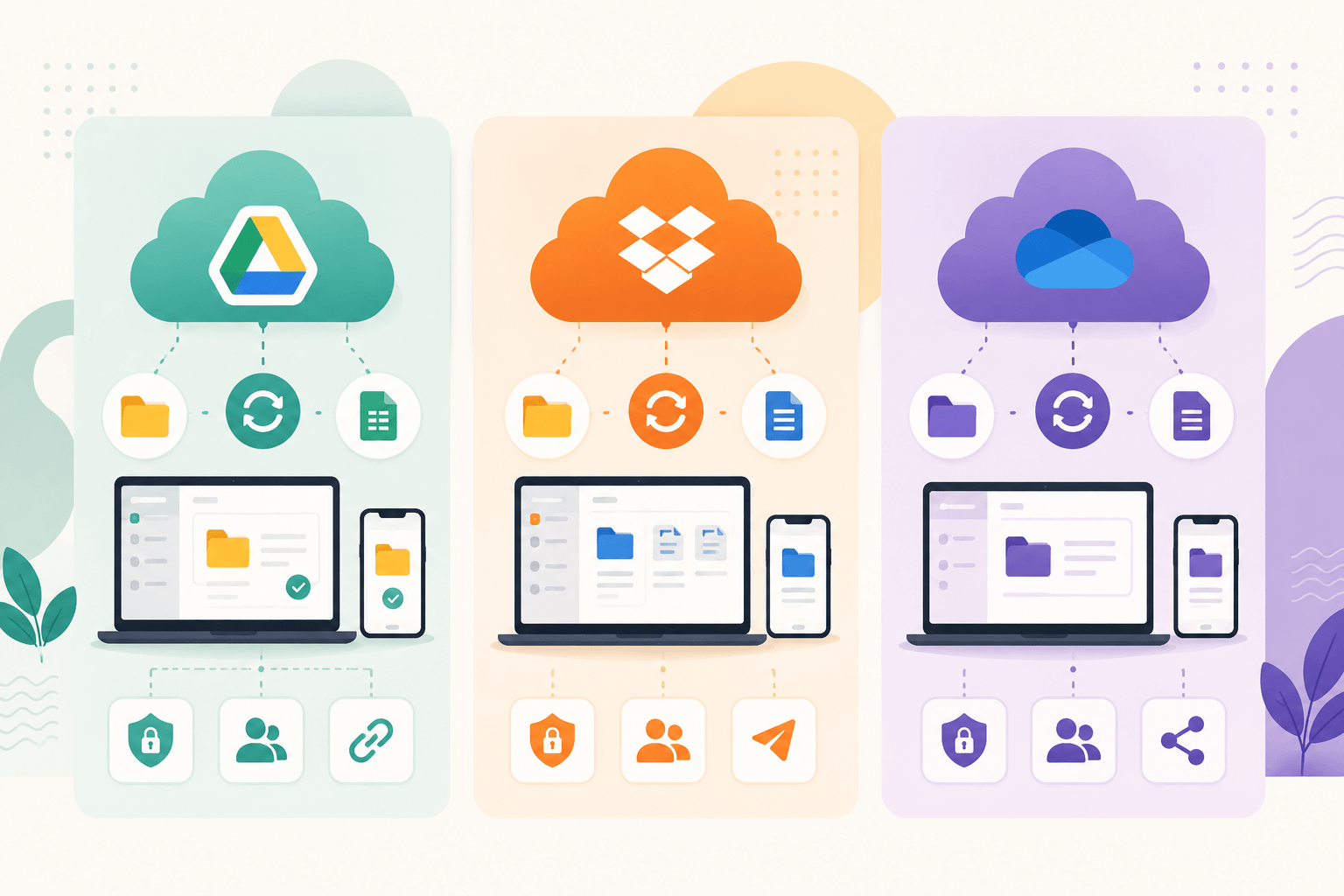
Choosing a cloud storage service seems simple until you compare the available options. Google Drive, Dropbox, and OneDrive all offer file storage, synchronization, sharing, and collaboration features, but each platform approaches these areas differently.
The right choice depends on how you work, which devices you use, how much storage you need, and whether collaboration or security is your top priority. This guide compares the three most popular cloud storage services in 2025 to help you decide which one fits your needs.
Overview of Google Drive, Dropbox, and OneDrive
Google Drive is Google’s cloud storage platform and is deeply integrated with Google Workspace tools such as Docs, Sheets, Slides, Gmail, and Google Photos.
Dropbox is one of the oldest cloud storage services and built its reputation on fast file synchronization, simple sharing, and reliable cross-platform support.
OneDrive is Microsoft’s cloud storage solution and is tightly connected to Microsoft 365 applications such as Word, Excel, PowerPoint, and Outlook.
All three services allow users to:
- Upload files to the cloud
- Sync files across devices
- Share files and folders
- Access files from anywhere
- Collaborate with others
- Recover deleted files
While their core functionality is similar, the differences become clear when comparing storage, pricing, productivity tools, and business features.
Storage and Free Plan Comparison
For many users, free storage is the first factor to consider.
Google Drive offers one of the most generous free plans among major cloud providers. The storage is shared across Google Drive, Gmail, and Google Photos.
Dropbox provides a smaller free storage allocation but compensates with excellent synchronization performance and sharing capabilities.
OneDrive offers a moderate amount of free storage and becomes much more attractive when bundled with Microsoft 365 subscriptions.
For users who primarily need free storage, Google Drive provides the most value without requiring a paid subscription.
File Sync and Performance
File synchronization determines how quickly files appear across your devices after changes are made.
Dropbox has long been considered the benchmark for synchronization performance. Its technology is optimized for fast file updates and efficient bandwidth usage.
Google Drive offers reliable synchronization across desktop and mobile devices. It performs well for everyday users and integrates smoothly with Google’s productivity ecosystem.
OneDrive delivers excellent synchronization within Windows environments. Since it is built directly into Windows, setup and management are often simpler for Windows users.
For large teams handling thousands of files, Dropbox still maintains a reputation for highly efficient synchronization.
For personal use, however, all three platforms provide fast and dependable performance.
Collaboration and Productivity Features
Collaboration has become one of the most important aspects of cloud storage.
Google Drive excels in real-time collaboration. Multiple users can edit documents, spreadsheets, and presentations simultaneously while seeing changes instantly.
OneDrive shines when paired with Microsoft 365. Users who rely on Word, Excel, PowerPoint, and Teams benefit from seamless integration and enterprise-level collaboration features.
Dropbox focuses more on file management and sharing than document creation. While collaboration features have improved significantly, it remains strongest as a file-sharing and synchronization platform.
Choose Google Drive if:
- You use Google Docs regularly.
- Real-time collaboration is important.
- Your team works primarily online.
Choose OneDrive if:
- You use Microsoft Office daily.
- Your business depends on Microsoft 365.
- You want strong Windows integration.
Choose Dropbox if:
- File synchronization is your priority.
- You frequently share large files.
- You need broad platform compatibility.
Security and Privacy
Security is a major concern when storing files online.
All three platforms use encryption during file transfer and while files are stored on their servers. They also support two-factor authentication, account recovery tools, and advanced sharing permissions.
Google Drive provides strong security controls and integrates with Google’s extensive account protection systems.
OneDrive benefits from Microsoft’s enterprise security infrastructure and includes additional features such as Personal Vault for sensitive files.
Dropbox offers robust security features and advanced administrative controls for business users.
Important security features available across all three platforms include:
- Encrypted file transfers
- Multi-factor authentication
- Access controls
- File version history
- Recovery options
For most users, all three services provide a high level of security when configured properly.
Pricing and Value
Pricing varies depending on storage requirements and bundled services.
Google Drive’s paid plans often appeal to users already invested in Google’s ecosystem.
OneDrive delivers excellent value through Microsoft 365 subscriptions, which include Office applications alongside cloud storage.
Dropbox tends to focus on premium file management and collaboration features, making it attractive for professionals and businesses.
When evaluating value, consider more than storage alone. Productivity tools, collaboration features, and software bundles can significantly increase the overall benefit of a subscription.
A user who already pays for Microsoft Office may find OneDrive offers the best value, while a Gmail-heavy user may prefer Google Drive.
Which Cloud Storage Service Is Best?
There is no single winner because each platform serves a different audience.
Google Drive is the best choice for users who rely on Google Workspace and want generous free storage.
Dropbox remains a strong option for professionals who prioritize file synchronization, sharing, and reliability across multiple operating systems.
OneDrive is often the best solution for Windows users and organizations already using Microsoft 365.
Quick recommendations:
- Best Free Storage: Google Drive
- Best File Synchronization: Dropbox
- Best Microsoft Integration: OneDrive
- Best Real-Time Collaboration: Google Drive
- Best Windows Experience: OneDrive
- Best Professional File Sharing: Dropbox
Conclusion
Google Drive, Dropbox, and OneDrive are all capable cloud storage platforms, but they excel in different areas. Google Drive offers excellent free storage and collaboration tools, Dropbox delivers outstanding synchronization and file-sharing performance, and OneDrive provides exceptional value for Microsoft users.
Before choosing a service, consider how you work, which productivity tools you use daily, and whether storage, collaboration, or synchronization matters most. The best cloud storage platform is the one that fits naturally into your workflow and helps you access your files quickly, securely, and efficiently.