
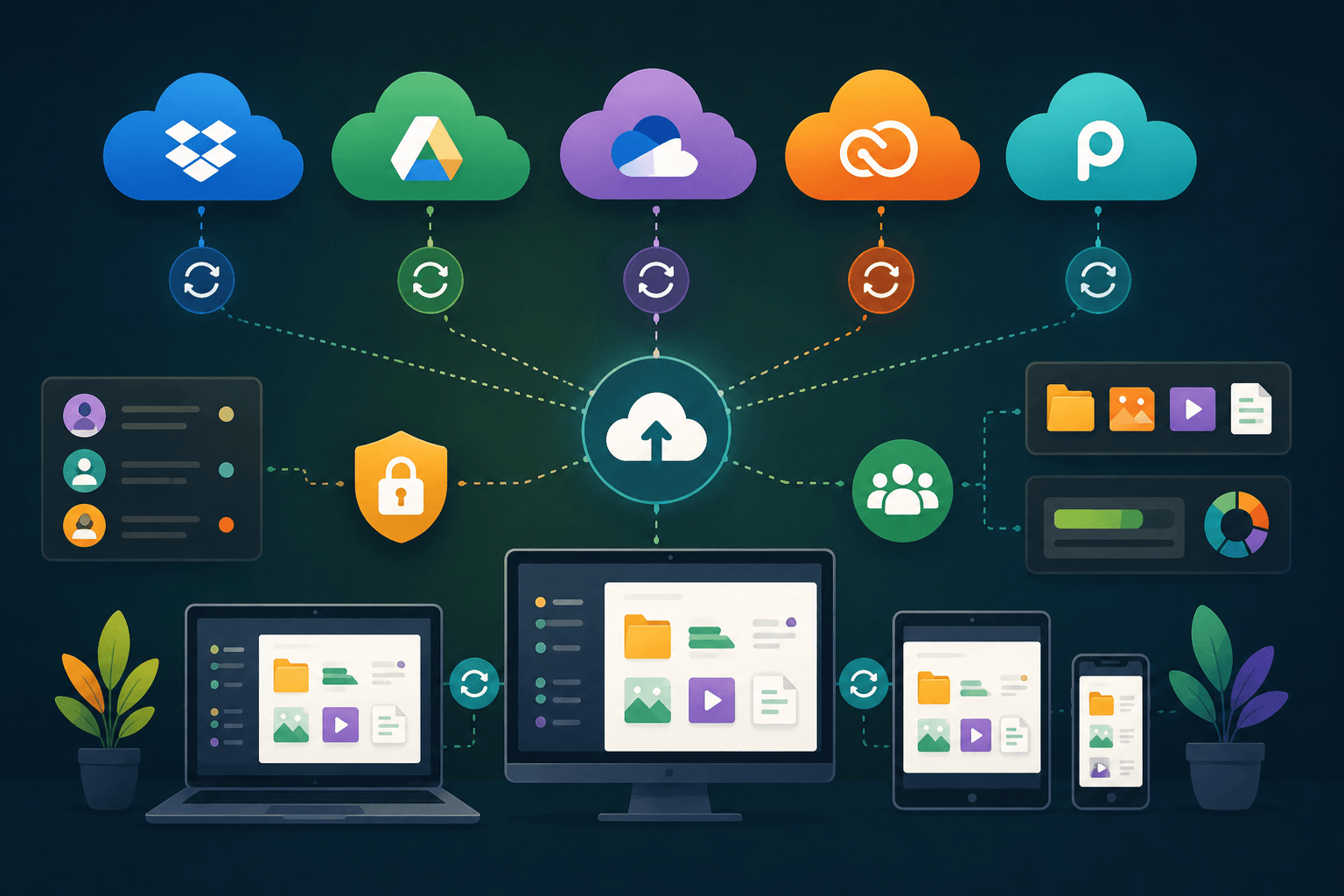
Cloud storage has become one of the easiest ways to keep files safe, access them from anywhere, and share them across devices. The good news is that you don’t always need a paid subscription. Many cloud providers offer free storage plans that are generous enough for personal files, photos, documents, and even small business use.
The challenge is choosing the right service. Some platforms focus on storage capacity, while others prioritize collaboration, security, privacy, or ecosystem integration. This guide compares the best free cloud storage services available in 2025 and explains which users benefit most from each option.
What Makes a Good Free Cloud Storage Service?
Free cloud storage isn’t just about getting the largest amount of space.
A useful cloud storage platform should also provide:
- Reliable file synchronization
- Cross-device access
- Secure file transfers
- Easy sharing options
- Mobile and desktop apps
- Backup and recovery features
Some services offer large storage limits but weaker collaboration tools. Others provide less space but better productivity features.
The best choice depends on how you plan to use your storage.
Top Free Cloud Storage Services in 2025
Several providers continue to dominate the cloud storage market because they balance storage, performance, security, and usability effectively.
The most popular free cloud storage services include:
- Google Drive
- MEGA
- OneDrive
- pCloud
- Dropbox
- iCloud
- Sync.com
According to multiple cloud storage comparisons published in 2025, Google Drive remains one of the strongest all-around options because of its generous free storage and deep integration with productivity tools. MEGA stands out for offering one of the largest free storage plans available.
Free Storage Comparison
The amount of free storage varies significantly between providers.
MEGA currently offers one of the largest free storage plans at 20 GB, while Google Drive provides 15 GB that is shared across Google Drive, Gmail, and Google Photos. Dropbox remains one of the smallest free plans with 2 GB but continues to excel in file synchronization and sharing.
Google Drive: Best Overall for Most Users
Google Drive remains the easiest recommendation for most people.
The service includes:
- 15 GB free storage
- Google Docs integration
- Google Sheets and Slides
- Powerful search features
- Easy collaboration tools
- Excellent mobile apps
Students, freelancers, and remote teams benefit from real-time document editing and seamless sharing.
The main limitation is that the free storage is shared with Gmail and Google Photos. Heavy email users may fill their storage faster than expected.
MEGA: Best for Free Storage Space
If your main goal is maximizing free storage, MEGA is difficult to beat.
Key advantages include:
- 20 GB free storage
- End-to-end encryption
- Strong privacy focus
- Secure file sharing
MEGA is especially popular among users who prioritize privacy and large file storage.
The tradeoff is that collaboration features are not as advanced as Google Drive or Microsoft OneDrive. Users who frequently edit documents with teams may find MEGA less convenient.
OneDrive: Best for Microsoft Users
Microsoft OneDrive is the natural choice for users already working inside the Microsoft ecosystem.
Benefits include:
- 5 GB free storage
- Windows integration
- Microsoft 365 compatibility
- Easy file sharing
- Strong business features
For users who rely heavily on Word, Excel, PowerPoint, and Outlook, OneDrive creates a smooth workflow with minimal setup.
While the free storage is smaller than Google Drive or MEGA, the productivity integration adds significant value.
Dropbox: Best for File Sync and Sharing
Dropbox remains one of the most respected names in cloud storage.
Although it offers only 2 GB of free storage, many users continue to prefer Dropbox because of:
- Fast synchronization
- Reliable file sharing
- Broad platform support
- Strong collaboration features
- Simple user interface
Dropbox performs particularly well when managing files across multiple devices and operating systems. Many professionals still consider it one of the most reliable synchronization platforms available.
pCloud and Sync.com: Strong Alternatives
Not everyone wants to rely on major technology ecosystems.
pCloud offers:
- Up to 10 GB free storage
- Strong security options
- Cross-platform support
- Lifetime plan availability
Sync.com focuses heavily on privacy and encrypted storage while maintaining a user-friendly experience.
These services appeal to users looking for alternatives to Google, Microsoft, or Dropbox while still receiving dependable cloud storage features.
Which Free Cloud Storage Service Should You Choose?
The best option depends on your priorities.
Choose Google Drive if:
- You want the best overall balance.
- You use Gmail regularly.
- You collaborate frequently.
Choose MEGA if:
- You want maximum free storage.
- Privacy is important.
- You store large files.
Choose OneDrive if:
- You use Microsoft Office daily.
- You work primarily on Windows devices.
Choose Dropbox if:
- Fast synchronization matters most.
- You frequently share files with others.
Choose pCloud or Sync.com if:
- You want alternatives with strong privacy features.
- Security is a top concern.
Conclusion
Free cloud storage has improved significantly over the last few years. In 2025, users have access to reliable platforms offering everything from secure backups and file synchronization to real-time collaboration and large storage allowances.
For most users, Google Drive remains the strongest all-around free option thanks to its generous storage and productivity tools. MEGA is ideal for users who want the largest free storage allocation, while OneDrive and Dropbox continue to excel within their respective ecosystems. By understanding your storage needs, workflow, and privacy preferences, you can choose a cloud service that keeps your files accessible, secure, and organized without spending a rupee.