
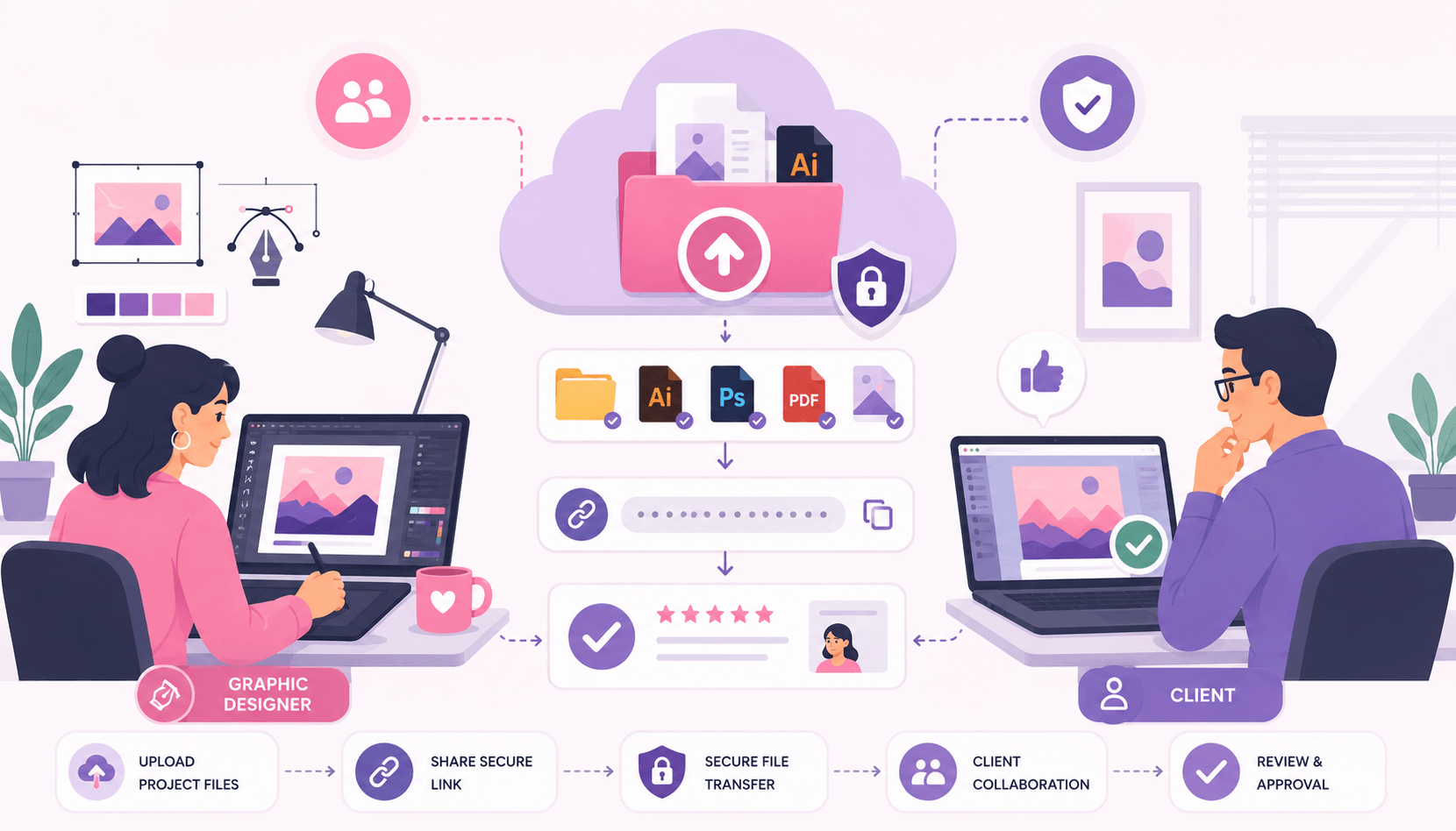
Designers regularly work with large files that can be difficult to send through traditional email. High-resolution images, branding packages, website assets, UI designs, videos, and source files often exceed attachment limits and require more professional delivery methods.
Choosing the right file-sharing solution not only improves efficiency but also creates a better experience for clients. A smooth delivery process can make projects look more professional while reducing confusion, download issues, and version-control problems.
This guide explores the best ways for designers to share files with clients in 2025 and explains when each method works best.
Why Email Is Not Ideal for Design Files
Many design files are too large for standard email attachments.
Common design assets include:
- Photoshop files (PSD)
- Illustrator files (AI)
- Figma exports
- High-resolution images
- Video assets
- Brand packages
- Website resources
These files can easily reach hundreds of megabytes or even several gigabytes.
Even when email allows the file size, attachments often create problems such as:
- Failed uploads
- Slow downloads
- Version confusion
- Inbox clutter
Professional file-sharing solutions provide a much better alternative.
Use Cloud Storage for Ongoing Projects
Cloud storage platforms are one of the most popular options for designers.
Benefits include:
- Long-term file access
- Easy updates
- Shared folders
- Client collaboration
- Version control
Instead of repeatedly sending new files through email, designers can update project folders while clients always access the latest version.
Cloud storage works especially well for:
- Branding projects
- Website design projects
- Marketing campaigns
- Long-term client relationships
It eliminates the need to send multiple versions of the same file.
Use File Transfer Services for Final Deliveries
When a project is complete, dedicated file transfer services often provide the most professional experience.
Advantages include:
- Large file support
- Simple download links
- Fast transfers
- No complex folder navigation
- Cleaner client experience
This method works particularly well for:
- Final logo packages
- Video projects
- Website handoffs
- Print-ready files
Clients receive a download link and can access everything in one place.
For one-time deliveries, file transfer services are often more convenient than cloud storage folders.
Organize Files Before Sending
A well-organized project package improves professionalism.
Before sharing files:
- Create clear folder structures.
- Remove unnecessary files.
- Label assets properly.
- Separate source files from exports.
- Include documentation if needed.
Example:
Project Name
- Final Files
- Source Files
- Fonts
- Brand Guidelines
- Assets
Clients appreciate organized deliveries because they can quickly find the files they need.
A messy project folder often creates unnecessary support requests later.
Compress Files into ZIP Archives
ZIP archives remain one of the simplest ways to prepare design projects for delivery.
Benefits include:
- Easier downloads
- Better organization
- Reduced clutter
- Password protection options
- Single-file delivery
A ZIP archive can contain:
- Source files
- Exported assets
- Documentation
- Fonts
- Images
This makes it easier for clients to download and store the entire project.
For large branding projects and design packages, ZIP files are highly recommended.
Add Password Protection for Sensitive Projects
Some design projects contain confidential information.
Examples include:
- Unreleased products
- Marketing campaigns
- Corporate branding updates
- Client business documents
In these situations, password-protected archives add an extra layer of security.
Additional security options may include:
- Expiring download links
- Restricted access
- Download limits
- Encrypted file sharing
Protecting sensitive work demonstrates professionalism and helps build client trust.
Avoid Version Confusion
One of the biggest challenges in design projects is managing multiple revisions.
File names such as:
- Logo Final
- Logo Final Final
- Logo Final V2
can quickly become confusing.
Instead, use clear version numbers:
- Logo-v1
- Logo-v2
- Logo-v3
- Logo-Final
Consistent naming conventions help both designers and clients track project progress.
Cloud storage platforms with version history can also reduce confusion significantly.
Include a ReadMe or Delivery Guide
Many designers overlook this step.
A simple text document can explain:
- Which files are final
- Where source files are located
- Font requirements
- Usage instructions
- Recommended formats
This small addition often saves time and reduces client questions.
For larger projects, a delivery guide can greatly improve the overall handoff experience.
Best File-Sharing Method by Project Type
Logo Design Projects
Best method: ZIP archive + cloud storage link
Website Design Projects
Best method: Shared cloud storage folder
Video Projects
Best method: File transfer service
Branding Packages
Best method: Password-protected ZIP archive
Ongoing Design Retainers
Best method: Cloud storage collaboration folder
Choosing the right method depends on project size and client needs.
Common Mistakes Designers Should Avoid
Avoid these file-sharing mistakes:
- Sending huge email attachments
- Poor file organization
- Missing source files
- Unclear folder names
- No backup copies
- Sharing public links accidentally
- Using confusing version names
Fixing these issues creates a more professional client experience and reduces project management headaches.
Conclusion
Sharing files effectively is an important part of every designer’s workflow. The best method depends on the project type, file size, and client expectations. Cloud storage works well for ongoing collaboration, while file transfer services are ideal for final project delivery.
By organizing files properly, using secure sharing methods, maintaining clear version control, and providing clients with easy access to project assets, designers can create a smoother delivery process and leave a stronger professional impression.