
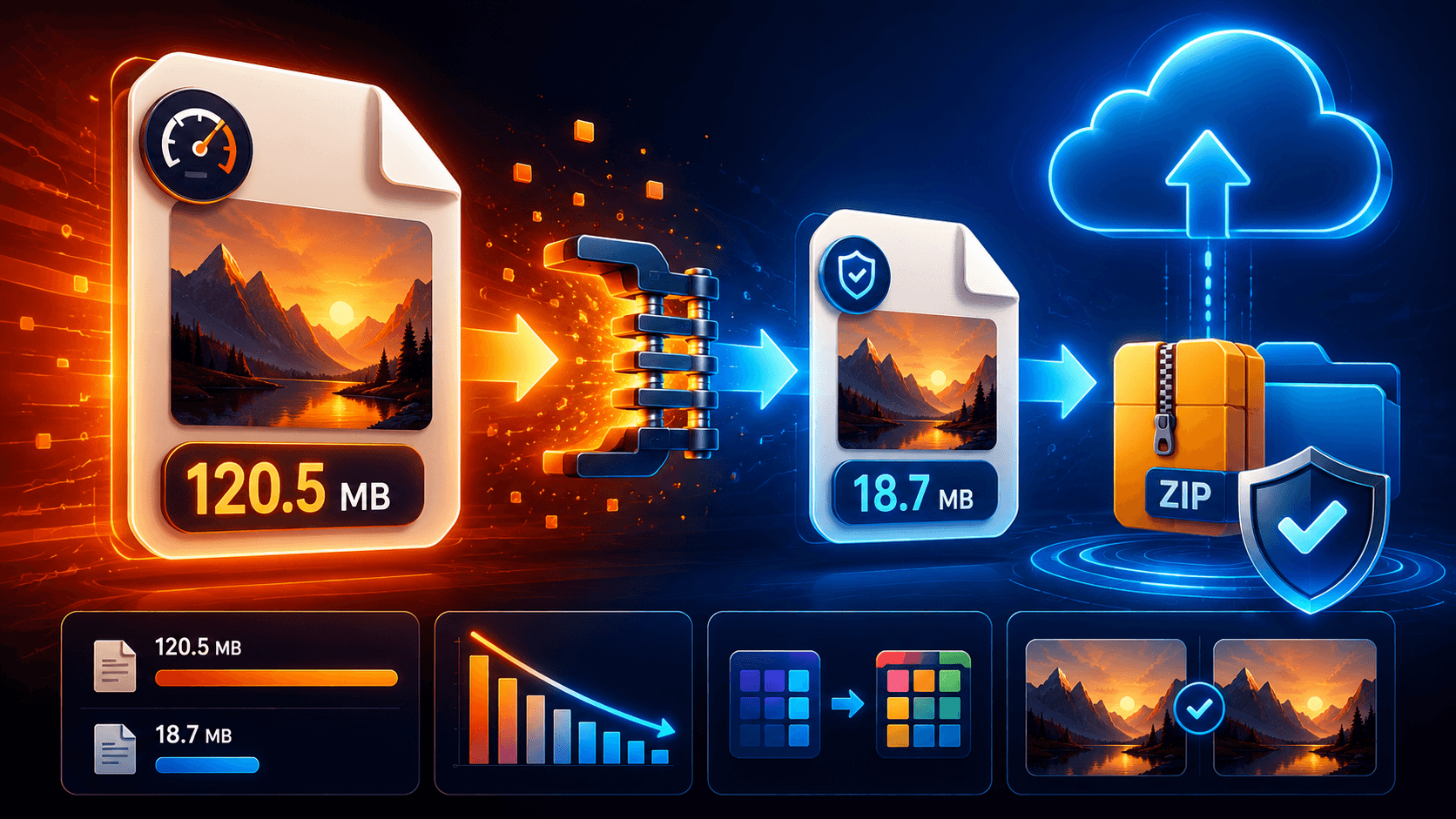
Large files can be difficult to upload, store, share, and back up. Whether you’re working with documents, images, videos, or project files, reducing file size can save storage space and speed up transfers.
Many people assume that compressing a file automatically reduces quality, but that’s not always true. In many cases, you can significantly reduce file size without affecting the content itself. The key is understanding the difference between lossless and lossy compression.
This guide explains how file compression works and how to reduce file sizes while preserving quality.
Understanding File Compression
File compression is the process of reducing the amount of storage space a file requires.
Compression works by identifying patterns and eliminating unnecessary data. The compressed file takes up less space while remaining usable.
There are two main types of compression:
Lossless Compression
Lossless compression reduces file size without removing any original data.
After decompression, the file is identical to the original.
Examples include:
- ZIP archives
- RAR archives
- PNG images
- FLAC audio
Lossless compression is ideal when preserving quality is essential.
Lossy Compression
Lossy compression removes some data permanently to achieve smaller file sizes.
Examples include:
- JPG images
- MP3 audio
- Compressed video formats
While lossy compression can dramatically reduce file size, excessive compression may result in noticeable quality loss.
If quality preservation is your goal, focus on lossless methods whenever possible.
Compressing Documents Without Quality Loss
Documents are among the easiest file types to compress.
Common document formats include:
- DOCX
- XLSX
- PPTX
Many office files already contain built-in compression, but ZIP archives can often reduce file sizes further.
Benefits include:
- Smaller file sizes
- Faster uploads
- Easier sharing
- No loss of content
For large collections of documents, compressing an entire folder into a ZIP archive can provide significant savings.
The original content remains unchanged after extraction.
Compressing Images Without Losing Quality
Image compression can be more challenging because many image formats already use some form of compression.
For lossless image compression:
- Use PNG for graphics and screenshots.
- Remove unnecessary metadata.
- Use lossless optimization tools.
- Avoid repeatedly saving JPG images.
Metadata such as camera information, location details, and editing history can sometimes add unnecessary file size.
Removing unused metadata often reduces file size without affecting image quality.
Photographers and designers frequently use lossless optimization tools to reduce image sizes while preserving every pixel.
Compressing Videos Efficiently
Video files are often the largest files people work with.
Completely lossless video compression is possible but usually produces limited size reductions.
To reduce video size while maintaining excellent quality:
- Use modern codecs.
- Optimize bitrate settings.
- Remove unnecessary audio tracks.
- Trim unused footage.
- Export at appropriate resolutions.
A well-optimized video can often appear visually identical to the original while using significantly less storage space.
The goal is efficient encoding rather than aggressive compression.
Using ZIP Archives
ZIP archives remain one of the most popular compression methods.
Advantages include:
- Lossless compression
- Universal compatibility
- Easy sharing
- Folder organization
- Optional password protection
ZIP files work particularly well for:
- Documents
- Spreadsheets
- Source code
- Design assets
- Project folders
Creating a ZIP archive is often the simplest way to reduce file size without sacrificing quality.
Most operating systems support ZIP files natively.
Cloud Storage and Compression
Some users compress files before uploading them to cloud storage.
Benefits include:
- Faster uploads
- Reduced bandwidth usage
- Better organization
- Easier file transfers
However, not every file type benefits equally from compression.
Already compressed formats such as:
- JPG
- MP4
- MP3
often see minimal reductions.
Files that contain repetitive data typically achieve better compression results.
Understanding which file types compress effectively can save time and effort.
Common Compression Mistakes
Many users accidentally reduce quality while trying to save space.
Common mistakes include:
- Repeatedly re-saving JPG images
- Over-compressing videos
- Using excessive quality reduction settings
- Choosing the wrong file format
- Compressing already optimized files
The safest approach is to maintain a backup of the original file before applying any compression.
This allows you to experiment without risking permanent quality loss.
Best Practices for Quality Preservation
When reducing file sizes, follow these guidelines:
- Use lossless compression whenever possible.
- Keep original files as backups.
- Remove unnecessary metadata.
- Choose modern file formats.
- Avoid repeated re-encoding.
- Test compressed files before sharing.
These practices help maximize storage efficiency while preserving file integrity.
The right compression strategy depends on the file type and intended use.
When Compression Is Worth It
Compression is most useful when:
- Uploading large files
- Sharing project folders
- Archiving data
- Saving storage space
- Speeding up transfers
For cloud storage users, compression can reduce upload times and simplify file management.
For businesses, it can lower storage costs and improve workflow efficiency.
The benefits often outweigh the small amount of effort required.
Conclusion
Compressing files without losing quality is entirely possible when using the right techniques. Lossless compression methods such as ZIP archives, optimized image formats, and efficient document storage can reduce file sizes while preserving the original content.
Understanding how different file types respond to compression helps you choose the best approach for each situation. By focusing on lossless methods, maintaining backups, and avoiding unnecessary re-encoding, you can save storage space and improve file-sharing efficiency without sacrificing quality.