
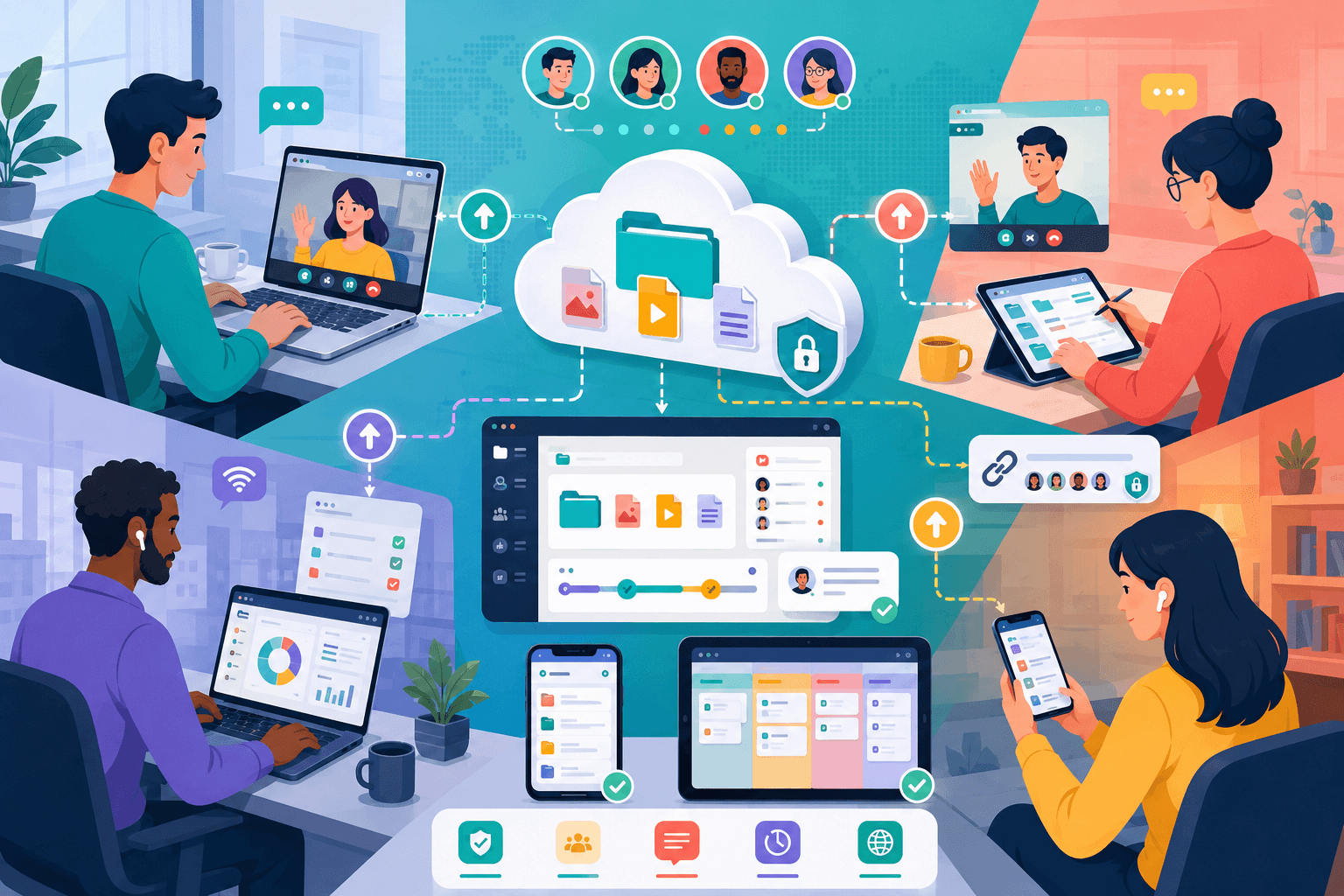
Remote work has transformed the way businesses operate. Teams are no longer limited to a single office, and employees often collaborate across cities, countries, and time zones. While this flexibility offers many advantages, it also creates challenges when it comes to managing and sharing files.
Without a clear file-sharing strategy, remote teams can quickly run into problems such as duplicate files, outdated versions, security risks, and communication delays. Efficient file sharing helps teams stay productive, organized, and connected regardless of location.
This guide explains how successful remote teams share files efficiently and the best practices organizations can adopt in 2025.
Why File Sharing Is Critical for Remote Teams
Remote teams depend heavily on digital files.
Daily work often involves:
- Documents
- Presentations
- Spreadsheets
- Images
- Videos
- Project assets
- Reports
Unlike traditional office environments where employees may have access to local servers, remote workers need reliable ways to access files from anywhere.
An effective file-sharing system ensures that team members can collaborate without delays, regardless of their location or device.
Centralize Files in Cloud Storage
One of the biggest mistakes remote teams make is storing files across multiple disconnected locations.
When files are scattered between personal computers, email attachments, messaging apps, and external drives, finding the latest version becomes difficult.
Cloud storage helps solve this problem by creating a central location for all project files.
Benefits include:
- Universal access
- Automatic synchronization
- Easier collaboration
- Reduced duplication
- Better organization
A centralized storage system allows everyone to work from the same source of truth.
Use Shared Folders Instead of Email Attachments
Many organizations still rely heavily on email attachments.
This often creates problems such as:
- Multiple file versions
- Inbox clutter
- Storage limitations
- Lost attachments
Shared folders provide a more efficient alternative.
Instead of repeatedly sending updated files, team members can access the latest version directly from a shared workspace.
This approach reduces confusion and improves productivity.
For ongoing projects, shared folders are almost always more effective than email-based workflows.
Create a Clear Folder Structure
Even the best cloud storage platform becomes difficult to manage if files are poorly organized.
Remote teams should establish a standardized folder structure.
Example:
Projects
- Project A
- Project B
- Project C
Departments
- Marketing
- Sales
- Finance
Resources
- Templates
- Brand Assets
- Documentation
A consistent structure helps new team members find files quickly and reduces time spent searching for information.
Simple organization systems are usually the easiest to maintain over time.
Establish File Naming Standards
File naming conventions are often overlooked, but they play a major role in remote collaboration.
Poor file names can create confusion.
Examples:
- Final.docx
- Final2.docx
- Final_Final.docx
Better examples:
- Marketing-Plan-v1.docx
- Marketing-Plan-v2.docx
- Marketing-Plan-Final.docx
Consistent naming conventions make files easier to locate and reduce version-control issues.
This becomes increasingly important as team size grows.
Take Advantage of Version History
Version history is one of the most valuable features available in modern cloud storage systems.
Instead of creating dozens of duplicate files, teams can track changes automatically.
Benefits include:
- Recovery of previous versions
- Easier collaboration
- Reduced duplication
- Better accountability
Version history helps prevent accidental data loss and simplifies document management.
Teams should understand how their chosen platform handles version tracking and recovery.
Prioritize Security
Remote work increases the importance of file security.
Employees often access files from different networks and devices, creating additional risks.
Recommended security practices include:
- Two-factor authentication
- Strong passwords
- Access controls
- Encrypted file transfers
- Device security policies
Not every employee needs access to every file.
Role-based permissions help limit unnecessary exposure and improve overall security.
A secure file-sharing system protects both company data and client information.
Improve Collaboration with Real-Time Editing
Modern collaboration tools allow multiple users to work on the same file simultaneously.
Advantages include:
- Faster feedback
- Reduced duplication
- Better teamwork
- Real-time updates
Instead of exchanging files back and forth, team members can collaborate directly within shared documents.
This dramatically improves efficiency, particularly for remote teams spread across multiple time zones.
Real-time collaboration has become one of the defining features of successful remote work environments.
Automate File Management Where Possible
Automation can reduce repetitive tasks and improve consistency.
Examples include:
- Automatic backups
- Folder synchronization
- File approval workflows
- Access management
- Archive rules
Automated systems help ensure that important files remain protected and properly organized.
They also reduce the administrative burden on team members.
As organizations grow, automation becomes increasingly valuable.
Common Mistakes Remote Teams Should Avoid
Many file-sharing problems stem from a few common habits.
Examples include:
- Overusing email attachments
- Storing files locally only
- Inconsistent folder structures
- Weak security practices
- Poor file naming
- Lack of backup systems
Addressing these issues early helps prevent larger operational problems later.
The most effective remote teams prioritize consistency and organization.
Conclusion
Efficient file sharing is essential for remote teams. Centralized cloud storage, shared folders, clear naming conventions, version control, and strong security practices all contribute to a smoother workflow and better collaboration.
As remote work continues to grow, organizations that invest in effective file-sharing systems gain a significant advantage. By creating clear processes and leveraging modern collaboration tools, teams can stay productive, organized, and connected no matter where they work.