
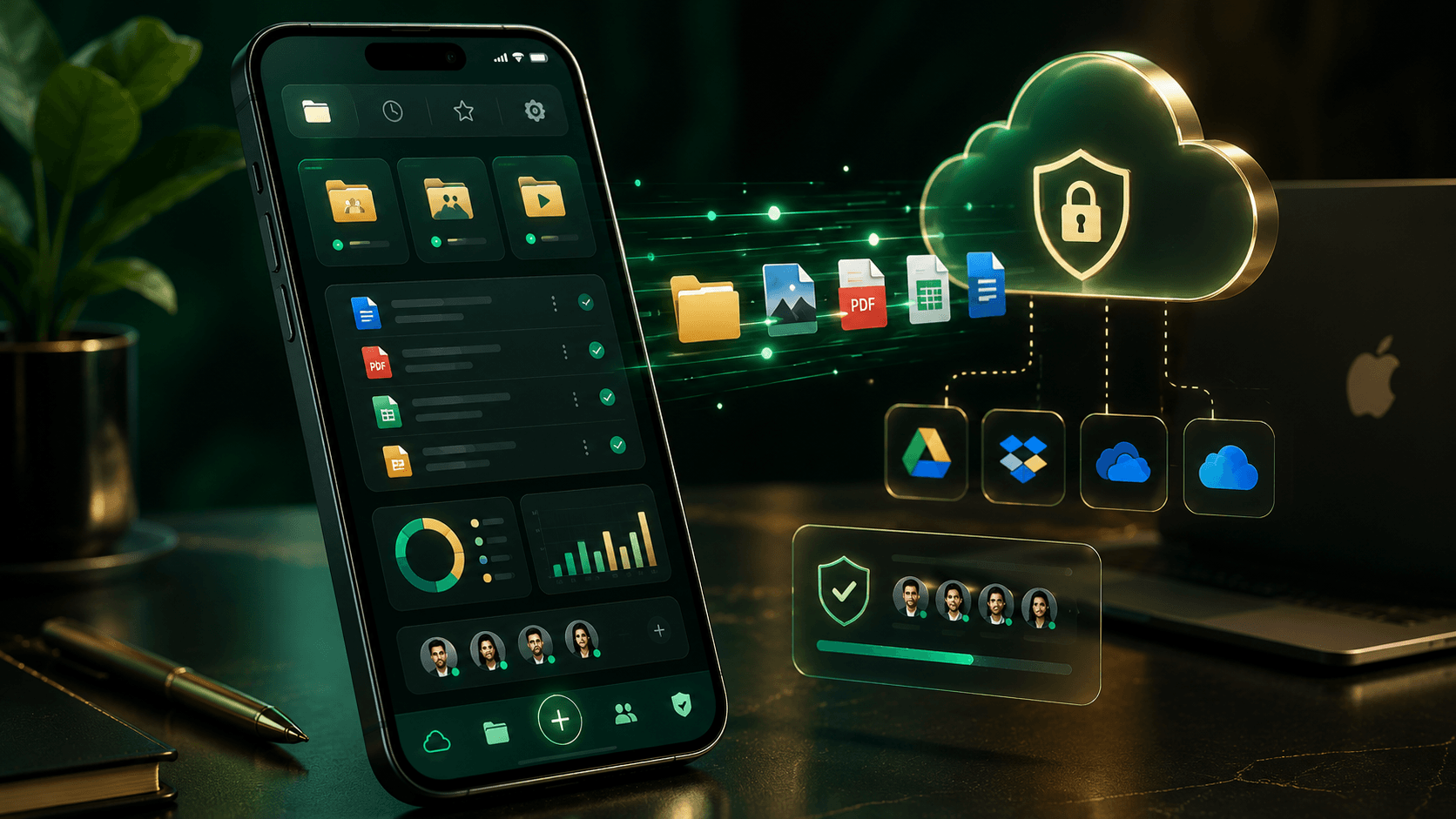
Managing files on an iPhone has improved significantly thanks to Apple’s Files app and a growing ecosystem of third-party file management tools. Whether you’re organizing documents, managing cloud storage, accessing network drives, or transferring files between devices, the right file manager can make your workflow much more efficient.
While many users are satisfied with Apple’s built-in solution, power users often need additional features such as cloud integration, FTP access, PDF tools, media management, and advanced file organization. This guide reviews the best file manager apps for iPhone in 2025 and helps you find the right option for your needs.
What Makes a Good iPhone File Manager?
A modern iPhone file manager should provide more than basic file browsing.
Important features include:
- File organization tools
- Cloud storage integration
- Fast search capabilities
- ZIP and archive support
- Secure file sharing
- Network storage access
- Cross-device synchronization
Advanced users may also benefit from:
- FTP and SFTP connections
- SMB and NAS support
- PDF editing tools
- Offline file access
- Multi-cloud management
The best app depends on how you use your iPhone and where your files are stored.
Apple Files
Apple’s built-in Files app remains the easiest option for most users.
The app supports:
- iCloud Drive
- Local device storage
- External drives
- Shared folders
- Third-party cloud services
Its clean interface and deep integration with iOS make it ideal for everyday file management. Many users can organize downloads, documents, and cloud files without needing additional software. :contentReference[oaicite:0]{index=0}
Best For
- Everyday users
- Students
- Basic file organization
Documents by Readdle
Documents by Readdle is widely regarded as one of the most powerful file management apps available for iPhone.
Key features include:
- Cloud storage integration
- PDF tools
- ZIP and RAR support
- Built-in media player
- File downloads
- Wi-Fi file transfer
The app combines file management, document handling, media playback, and cloud access into a single interface. It is particularly popular among professionals who work with a variety of file types. :contentReference[oaicite:1]{index=1}
Best For
- Professionals
- Students
- Productivity users
FileBrowser
FileBrowser is designed for users who need extensive control over files stored across multiple locations.
Its capabilities include:
- NAS connectivity
- Cloud storage management
- FTP access
- WebDAV support
- SMB network browsing
- Multi-tab file management
Unlike many simpler file managers, FileBrowser focuses heavily on connecting local devices, cloud services, and business storage systems. It is often recommended for advanced users and enterprise environments. :contentReference[oaicite:2]{index=2}
Best For
- IT professionals
- NAS users
- Advanced file management
FE File Explorer
FE File Explorer is another excellent choice for power users.
Features include:
- FTP and SFTP support
- Cloud storage integration
- NAS access
- File transfers between devices
- Network file management
The app is frequently recommended for users who need access to remote servers and network storage environments. Its flexibility makes it popular among technical users and businesses. :contentReference[oaicite:3]{index=3}
Best For
- Remote server access
- Business users
- Network storage management
GoodReader
GoodReader has been a favorite among iPhone and iPad users for years.
While known primarily as a PDF tool, it also offers strong file management capabilities.
Advantages include:
- PDF annotation
- Cloud storage support
- File synchronization
- ZIP archive support
- Offline document access
Users who regularly work with PDFs often find GoodReader particularly useful because it combines document management and file organization in one application. :contentReference[oaicite:4]{index=4}
Best For
- PDF-heavy workflows
- Researchers
- Business professionals
Cx File Explorer Alternatives
Although Cx File Explorer is popular on Android, iPhone users typically rely on alternatives such as Documents, FileBrowser, and FE File Explorer for advanced file management.
These apps offer many of the same benefits while working within Apple’s ecosystem and security framework. :contentReference[oaicite:5]{index=5}
For most iPhone users, there is rarely a need to search for Android-style file managers because iOS-focused solutions are highly optimized for Apple’s platform.
Quick Comparison
| App | Best Feature | Ideal User |
|---|---|---|
| Apple Files | Simplicity | Everyday Users |
| Documents by Readdle | All-in-One Productivity | Most Users |
| FileBrowser | Network & Cloud Management | Power Users |
| FE File Explorer | Server Connectivity | Technical Users |
| GoodReader | PDF Management | Professionals |
Which File Manager Should You Choose?
Choose Apple Files if you want a simple and free solution that integrates perfectly with iOS.
Choose Documents by Readdle if you want the most versatile all-in-one file manager with strong cloud and productivity features.
Choose FileBrowser if you manage files across cloud services, NAS devices, and network storage.
Choose FE File Explorer if you regularly work with FTP servers, remote storage, or business file systems.
Choose GoodReader if PDFs are a major part of your workflow.
For most users, Documents by Readdle offers the best overall balance of functionality, usability, and cloud integration. Its combination of file management, media tools, and productivity features makes it one of the strongest choices available on iPhone today. :contentReference[oaicite:6]{index=6}
Conclusion
The iPhone has evolved into a powerful productivity device, and modern file manager apps help unlock its full potential. Apple’s Files app covers the basics well, but users who need advanced cloud management, network access, PDF tools, or media organization can benefit greatly from third-party solutions.
Whether you’re a student managing coursework, a professional handling business documents, or a power user working with servers and cloud storage, the right file manager can make your iPhone far more efficient and organized.