
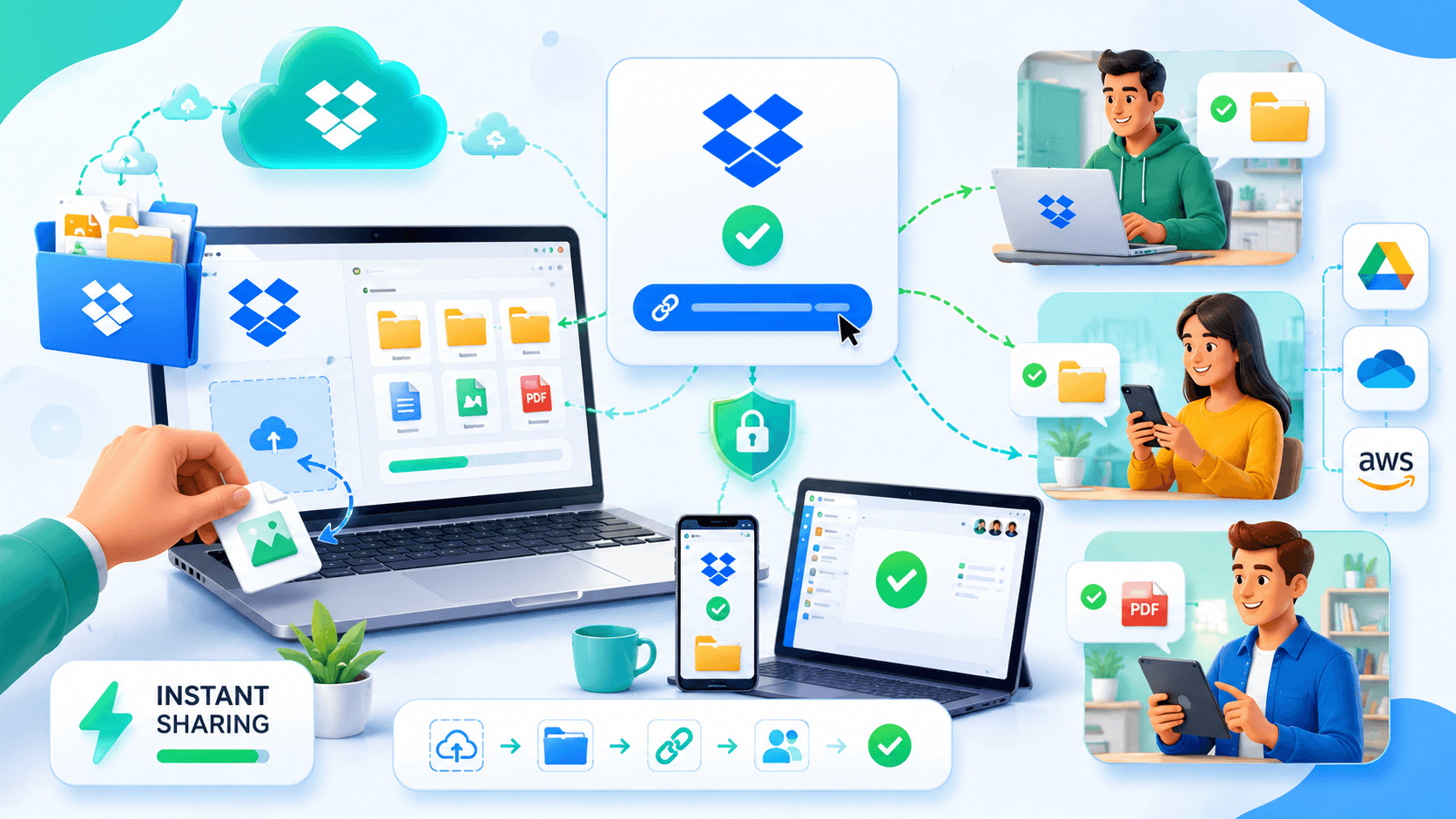
Sharing files is one of Dropbox’s most useful features. Whether you’re sending documents, photos, videos, or project files, Dropbox makes it easy to share content without attaching large files to emails.
Many people assume recipients need a Dropbox account to access shared files, but that’s not true in most cases. Dropbox allows users to generate shareable links that anyone can open and download, even if they don’t have a Dropbox account.
This guide explains how to share files from Dropbox without requiring recipients to sign up and provides tips for making the process secure and efficient.
Can Someone Download Dropbox Files Without an Account?
Yes.
When you create a shared link in Dropbox, recipients can typically view and download the file directly through their web browser.
They do not need:
- A Dropbox account
- Dropbox software
- A Dropbox subscription
All they need is access to the sharing link.
This makes Dropbox a convenient option for sending files to clients, customers, colleagues, and friends.
How Dropbox File Sharing Works
Dropbox stores files in the cloud and allows users to create shareable links.
Instead of emailing large attachments, you simply:
- Upload the file to Dropbox.
- Generate a sharing link.
- Send the link to the recipient.
The recipient clicks the link and accesses the file through a browser.
This approach avoids email attachment limits and simplifies file delivery.
It’s particularly useful for large files that cannot be sent through traditional email services.
Steps to Share a File Without Requiring an Account
The process is straightforward.
Step 1: Upload Your File
First, upload the file to your Dropbox account.
This can be:
- Documents
- Images
- Videos
- ZIP archives
- Project files
- Presentations
Wait for the upload to complete before generating a link.
Step 2: Create a Shared Link
Locate the file inside Dropbox and select the sharing option.
Dropbox will generate a unique URL that points directly to the file.
This link becomes your delivery method.
Step 3: Send the Link
You can send the link through:
- Messaging apps
- Team collaboration platforms
- Social media messages
- Client communication tools
Recipients simply click the link and download the file.
No Dropbox account is required.
When Recipients Might Need an Account
Although most file downloads work without an account, there are situations where Dropbox may request login access.
Examples include:
- Shared collaborative folders
- Team workspaces
- Editing permissions
- Certain enterprise settings
If you’re simply sharing a file for download, recipients usually won’t need to sign in.
However, if you’re inviting someone to collaborate within Dropbox, account creation may be necessary.
Understanding this distinction helps avoid confusion.
Benefits of Sharing Files Through Links
Link-based sharing offers several advantages.
Benefits include:
- No attachment limits
- Faster delivery
- Easier file updates
- Better organization
- Cross-device access
Instead of repeatedly sending updated attachments, you can replace the file in Dropbox while keeping the same sharing workflow.
This is especially helpful for ongoing projects.
Sharing Large Files
Dropbox is commonly used for large file transfers.
Examples include:
- Video projects
- Design files
- Photography collections
- Software packages
- Business presentations
Because recipients download files directly from Dropbox servers, file size is less of a limitation than with traditional email attachments.
This makes Dropbox popular among creative professionals and businesses.
Security Tips for Dropbox Sharing
Although sharing links is convenient, security should not be ignored.
Recommended practices include:
- Review sharing permissions.
- Remove old links when no longer needed.
- Avoid sharing sensitive files publicly.
- Enable two-factor authentication.
- Monitor file access when possible.
For confidential files, additional protection measures may be appropriate.
Security settings should always match the sensitivity of the content being shared.
Common Sharing Mistakes
Many sharing issues stem from simple errors.
Common mistakes include:
- Sending the wrong link
- Sharing the wrong file version
- Leaving public links active indefinitely
- Uploading incomplete files
- Failing to verify download access
Before sending a link, it’s a good idea to test it yourself.
This ensures recipients will have the expected experience.
Dropbox Sharing vs Email Attachments
Many users still rely on email attachments, but Dropbox offers several advantages.
| Feature | Dropbox Link | Email Attachment |
|---|---|---|
| Large File Support | Yes | Limited |
| Easy Updates | Yes | No |
| Cloud Access | Yes | No |
| Storage Efficiency | High | Lower |
| Download Flexibility | High | Moderate |
For anything beyond small files, Dropbox links are usually the more efficient option.
The larger the file, the greater the advantage.
Conclusion
Dropbox makes file sharing simple by allowing recipients to access and download files without creating an account. By generating a shareable link, users can bypass email attachment limits and deliver files quickly through a web browser.
Whether you’re sharing documents, videos, design projects, or business files, link-based sharing provides a fast and convenient solution. By following basic security practices and understanding when account access is required, you can use Dropbox effectively while providing a smooth experience for your recipients.