
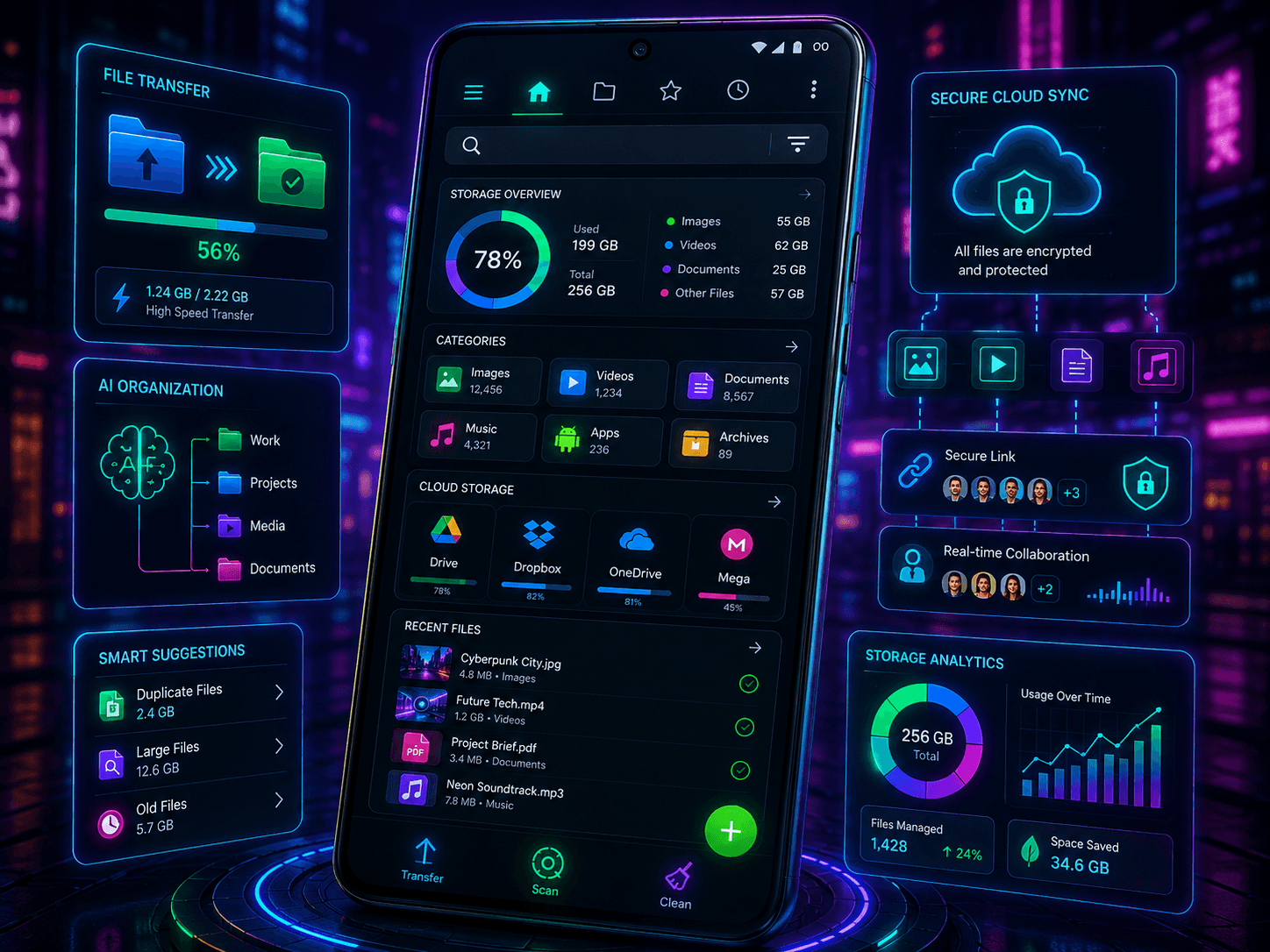
Managing files on Android has become easier over the years, but power users still need more than the built-in file manager. Whether you’re organizing downloads, moving files between cloud services, accessing network storage, or managing large media collections, a dedicated file manager can significantly improve your workflow.
The best Android file manager depends on how you use your device. Some apps focus on simplicity, while others offer advanced tools such as FTP access, cloud integration, encryption, and dual-pane file management.
This guide reviews the best file manager apps for Android in 2025 and helps you choose the right one for your needs.
What Makes a Great Android File Manager?
A good file manager should make it easy to:
- Browse files and folders
- Move and copy files quickly
- Access cloud storage
- Search efficiently
- Manage storage space
- Share files securely
- Handle archives such as ZIP and RAR
Advanced users may also want:
- FTP and SFTP support
- Network storage access
- Dual-pane browsing
- Root access
- File encryption
- Batch operations
The ideal choice depends on your workflow and technical requirements.
Files by Google
Files by Google remains one of the best options for casual users.
Its strengths include:
- Clean interface
- Fast performance
- Storage cleanup tools
- Duplicate file detection
- Offline file sharing
- No advertisements
The app focuses on simplicity and is perfect for users who mainly want to organize files and free up storage space. Several reviews continue to rank it among the best beginner-friendly Android file managers. :contentReference[oaicite:0]{index=0}
Best For
- Beginners
- Casual users
- Storage cleanup
Solid Explorer
Solid Explorer is one of the most powerful file managers available for Android.
Key features include:
- Dual-pane file browsing
- Cloud storage integration
- FTP, SFTP, SMB, and WebDAV support
- AES file encryption
- Archive support
- NAS connectivity
- Batch file operations
Its dual-pane layout makes moving files between folders extremely efficient. It also supports major cloud providers and network storage systems. :contentReference[oaicite:1]{index=1}
Many Android enthusiasts and long-time users continue to recommend Solid Explorer as a top choice for advanced file management. :contentReference[oaicite:2]{index=2}
Best For
- Power users
- NAS users
- Advanced file management
MiXplorer
MiXplorer has developed a strong reputation among Android power users.
Highlights include:
- Extensive customization
- Dual-panel support
- Tabbed browsing
- Cloud storage support
- FTP and LAN access
- No advertisements
MiXplorer is often praised for its flexibility and feature-rich design. Many experienced Android users consider it one of the most versatile file managers available. :contentReference[oaicite:3]{index=3}
The learning curve is slightly higher than beginner-focused alternatives, but the functionality is impressive.
Best For
- Android enthusiasts
- Advanced users
- Custom workflows
Cx File Explorer
Cx File Explorer offers an excellent balance between simplicity and advanced functionality.
Features include:
- Clean modern interface
- Cloud storage access
- FTP, SFTP, SMB, and WebDAV support
- Storage analysis tools
- App management
- Network file access
It is frequently recommended as one of the best free file managers because it provides advanced features without becoming overwhelming. :contentReference[oaicite:4]{index=4}
Many users appreciate its familiar Windows Explorer-like design.
Best For
- Most Android users
- Cloud storage users
- Free app seekers
FX File Explorer
FX File Explorer focuses heavily on privacy and usability.
Advantages include:
- No advertisements
- Optional permissions
- Dual-window support
- Cloud storage integration
- Media tools
- Clean user interface
Unlike some competitors, FX emphasizes transparency and privacy while still offering powerful file management capabilities. :contentReference[oaicite:5]{index=5}
Its ad-free experience makes it particularly appealing to users who dislike cluttered interfaces.
Best For
- Privacy-conscious users
- Productivity-focused users
Material Files
Material Files is a modern open-source file manager that follows Google’s Material Design principles.
Key benefits include:
- Lightweight design
- Open-source development
- Clean user interface
- Root support
- FTP support
- No unnecessary bloat
Users who prefer minimalist apps often find Material Files to be one of the best lightweight options available. :contentReference[oaicite:6]{index=6}
Best For
- Minimalists
- Open-source enthusiasts
Quick Comparison
| App | Best Feature | Ideal User |
|---|---|---|
| Files by Google | Simplicity | Beginners |
| Solid Explorer | Advanced Features | Power Users |
| MiXplorer | Customization | Enthusiasts |
| Cx File Explorer | Best Free Option | Most Users |
| FX File Explorer | Privacy | Productivity Users |
| Material Files | Lightweight Design | Minimalists |
Which File Manager Should You Choose?
Choose Files by Google if you want a simple and reliable experience.
Choose Solid Explorer if you need advanced tools, network access, and cloud integration.
Choose MiXplorer if customization and flexibility are your priorities.
Choose Cx File Explorer if you want the best balance between features and simplicity.
Choose FX File Explorer if privacy is important.
Choose Material Files if you prefer lightweight open-source software.
The best choice depends on how you manage files and how much control you want over your Android device.
Conclusion
Android offers excellent file management options in 2025, ranging from beginner-friendly apps to powerful tools designed for advanced users. Files by Google remains the easiest option for everyday use, while Solid Explorer and MiXplorer continue to dominate among power users thanks to their advanced capabilities.
Before choosing a file manager, consider whether you need cloud integration, network storage access, privacy features, or advanced file operations. The right app can save time, improve organization, and make managing files on Android significantly more efficient.